




SENSERADAR

When you need it

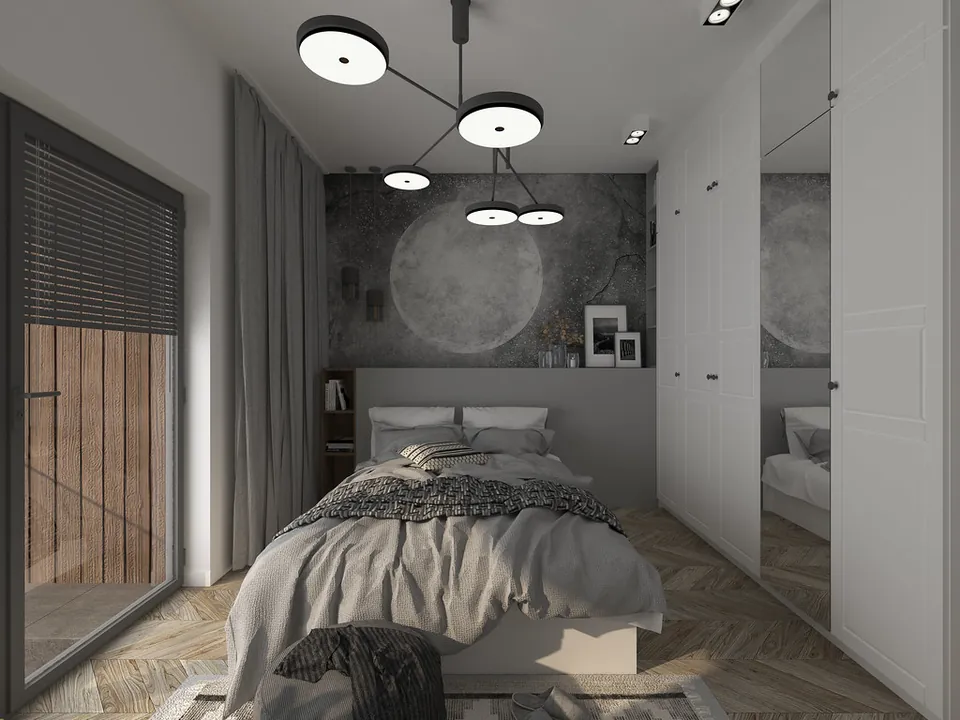
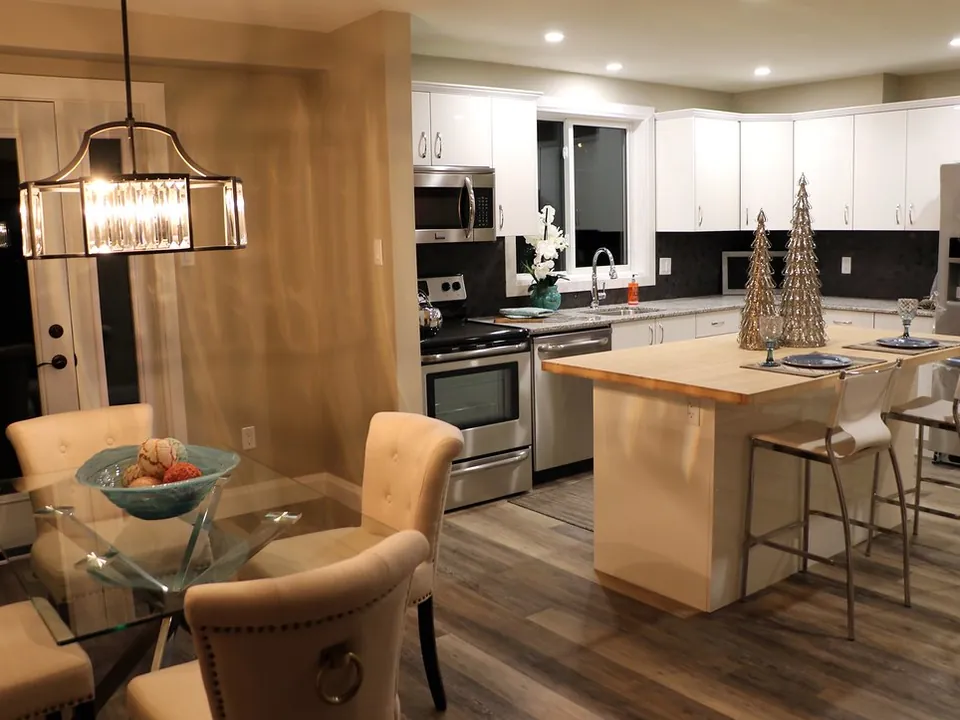
Every Place You Need SenseRadar

Hidden surveillance devices don't limit themselves to one venue. From Airbnb rentals to boardrooms and parking lots, SenseRadar is built for real-world privacy threats.

How do I check an Airbnb or vacation rental for hidden cameras?

Scan as soon as you check in: 47% of travelers say they have found a camera in a rental, and a 2-minute scan covers the bedroom and bathroom.

A 2025 IPX1031 survey found that 47% of travelers have discovered a hidden camera in a short-term rental. These cameras are routinely disguised inside smoke detectors, alarm clocks, USB chargers, and picture frames — objects guests never think twice about. SenseRadar's WiFi layer maps every connected device on the network, the BLE layer catches battery-powered cameras transmitting Bluetooth, and the optical lens-detection layer flags any glass surface reflecting a suspicious glint, even in a darkened room. Running a two-minute scan before you unpack is the same instinct as locking the door behind you.

  • Start with the bedroom and bathroom — the most frequently reported locations.
  • Use the WiFi scan first: unknown IP cameras show up as 'camera' or generic IoT labels.
  • Switch off the lights and run the optical scan to catch lens reflections invisible in daylight.

Sources: IPX1031, 2025

How do I check an Airbnb or vacation rental for hidden cameras?

How do I find hidden cameras in a hotel room?

Check the smoke detector, TV, outlets and decor before you unpack: a BBC investigation found 180+ hotel-room cameras, and a full sweep takes under 3 minutes.

Hotels are subject to stricter regulation than private rentals, but violations still occur: a BBC investigation documented over 180 hidden cameras discovered in hotel rooms across multiple countries. The most common hiding spots are smoke detectors mounted on the ceiling, alarm clocks on the nightstand, decorative picture frames, and the black mesh of a television set. SenseRadar's EMF meter measures the electromagnetic field of actively powered devices, which betrays a running camera even when the room looks completely normal. Combine it with the optical scan for a thorough sweep that takes under three minutes.

  • Check the smoke detector first — it's the highest-risk object in any hotel room.
  • Unplug any alarm clock you didn't bring; replace it with your phone.
  • Run the EMF scan slowly past mirrors and artwork — hidden transmitters draw measurable current.

Sources: BBC, 2026

How do I find hidden cameras in a hotel room?

Is there a GPS tracker on my car?

Walk around the car with the BLE scan open: tracker stalking rose 317% in a single year, and devices costing under $30 hide in wheel arches, bumpers and the OBD-II port.

Stalking via GPS tracker rose 317% in a single year according to law-enforcement data, and the devices cost under $30 online. Trackers are commonly clipped to wheel arches, slipped inside bumpers, or plugged into the OBD-II port under the dashboard — a location many drivers never inspect. SenseRadar's BLE layer detects AirTags and generic Bluetooth trackers broadcasting nearby; the app lets you walk around the car with a live signal-strength meter so you can pinpoint the exact hiding spot. For wired OBD-port or battery-powered trackers without Bluetooth, the EMF layer can detect the transmission pulse of an active cellular module.

  • Walk the perimeter of the car slowly with BLE scan open — signal strength peaks as you approach the tracker.
  • Check the OBD-II port under the steering column; a dongle there may be a hidden tracker.
  • Repeat the scan a few hours after parking in a new location to catch devices attached while you were away.

Sources: Cybernews, 2025

Is there a GPS tracker on my car?

Can someone listen in on my meeting room?

Yes — a bug was found even in a business leader's guarded home office. Scan with the ultrasonic and WiFi layers before a sensitive meeting; each runs in under 60 seconds.

Corporate espionage via audio bugs is not limited to intelligence agencies; competitor surveillance and industrial spying are documented across industries. A security audit revealed a listening device in the home office of a prominent business leader — highlighting that even well-secured spaces can be compromised. Temporary offices, conference rooms in client buildings, and co-working spaces are particularly vulnerable because many people cycle through them daily. SenseRadar's ultrasonic detection layer listens for the high-frequency hum emitted by active recording devices, and the WiFi scan identifies rogue access points or IP cameras that shouldn't be on the network.

  • Scan the meeting room before any sensitive discussion, especially in third-party facilities.
  • Use the ultrasonic layer to check for active microphones hidden in desk accessories or plants.
  • Look for unfamiliar WiFi networks on the scan — a rogue hotspot may be capturing traffic.

Sources: The Next Web, 2025

Can someone listen in on my meeting room?

How can I tell if there is a listening device or camera in my new home?

Run a full 6-layer scan on moving day and again after 1 week, because cameras on cellular data do not show up in the first WiFi scan.

When you move into a new apartment or house, you inherit whatever the previous occupants — or the landlord — may have installed. Smart doorbells, thermostats, and security cameras connected to the previous owner's account can still transmit footage without your knowledge. A growing number of landlord surveillance cases have been prosecuted in multiple countries, involving cameras hidden in rental properties to monitor tenants. SenseRadar's WiFi scan maps every connected device on your network immediately after you connect, flagging anything that doesn't match your own equipment. Running a full six-layer sweep on moving day gives you a verified clean baseline.

  • Scan before you move any furniture in — a clear room is easier to inspect.
  • Factory-reset any smart device you find (thermostat, doorbell, speaker) before connecting it to your network.
  • Re-scan after a week: some landlord cameras are on cellular and won't appear on your WiFi scan.
How can I tell if there is a listening device or camera in my new home?

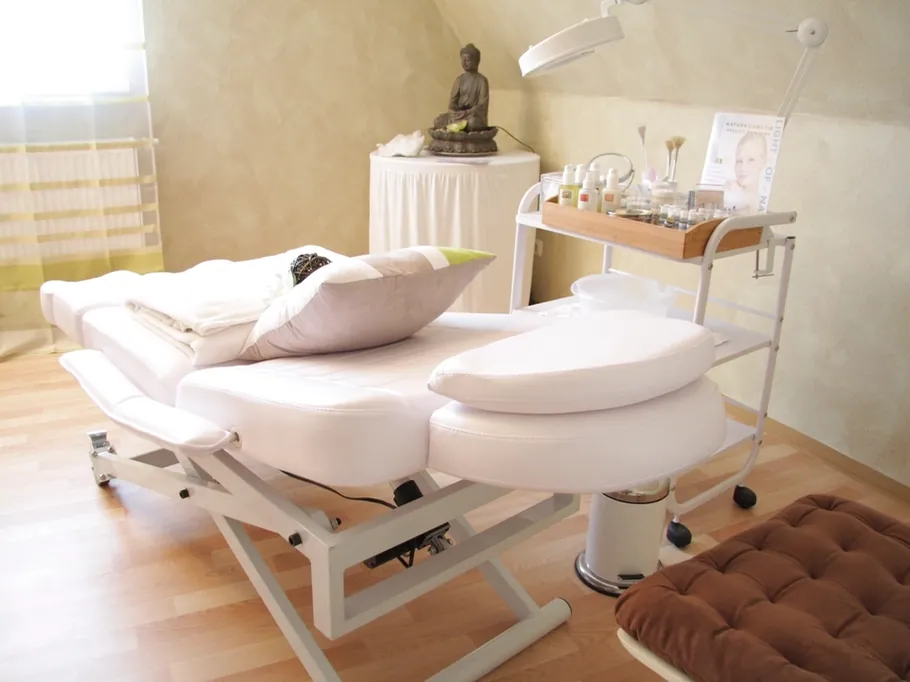
Can there be hidden cameras in clinics, spas or changing areas?

Yes — they have been found in hospital bathrooms and physiotherapy rooms. Scan at eye level and below with the lights dimmed; a small room takes under 60 seconds.

Medical examination rooms, physiotherapy cubicles, spa treatment rooms, and gym changing areas are locations where people are acutely vulnerable. Prosecutions for voyeuristic devices planted in healthcare settings — including hospital bathrooms and physiotherapy rooms — have been reported across multiple countries, sometimes spanning years before discovery. SenseRadar's lens-detection AI is specifically tuned to catch pinhole cameras in low-light environments typical of spa and wellness settings. The EMF layer can detect powered devices concealed inside medical equipment housings or decorative panels.

  • In a changing room, scan at eye level and below — cameras are often aimed at mid-height.
  • Use optical scan mode in dim lighting — lens glints are more visible with the room lights off.
  • Report any suspicious device to facility management and local authorities immediately.
Can there be hidden cameras in clinics, spas or changing areas?

How do I check a fitting room for a hidden camera?

Check the clothing hook and the top edge of the mirror first; a BLE and EMF scan of a small cubicle takes under 60 seconds.

Retail fitting rooms are among the most commonly reported sites for voyeuristic camera placements because they offer momentary privacy with high visitor turnover — making it easy to install and difficult to notice. Cameras have been found mounted behind mirror edges, inside clothing hooks, and in ventilation grilles. Gyms and swimming pools face similar risks in their locker rooms and shower areas. SenseRadar's BLE and EMF layers detect battery-powered spy cameras that operate without a WiFi connection, a category that standard network scans miss entirely. The compact scan takes under 60 seconds in a small cubicle.

  • Check the clothing hook and the top edge of any mirror — two of the most reported hiding spots.
  • Run the BLE scan: many compact spy cameras use Bluetooth for local storage or streaming.
  • If the room has a ventilation grille, point the EMF sensor at it — active electronics emit measurable fields.
How do I check a fitting room for a hidden camera?

How do I check a cruise cabin, train compartment or rental car?

Scan on the day you board or pick up the car: a flight attendant got 18.5 years for cameras in aircraft lavatories, and the scan works fully offline.

Long-distance travel concentrates people in enclosed private spaces — cruise ship cabins, sleeper train compartments, and charter vehicle interiors — where surveillance devices have been documented. A flight attendant was sentenced to 18.5 years in prison for planting cameras in aircraft lavatories; crew members on a cruise line were charged for recording nearly 1,000 passengers. Royal Caribbean subsequently overhauled its internal camera policies after an incident. SenseRadar's portable, fully offline scan requires no network connection of its own, making it ideal for international travel where roaming or local SIM access may be limited.

  • Scan cruise cabin bathrooms and the area around the bed headboard on embarkation day.
  • In a sleeper train compartment, check ventilation openings and the compartment door panel.
  • Run a BLE scan in rental cars before departure — trackers are sometimes installed between rentals.

Sources: CNN, 2025, NBC News, 2024

How do I check a cruise cabin, train compartment or rental car?

Before you travel

Run a scan at home first. Seeing how your own network, Bluetooth devices and rooms look on the radar makes it much easier to notice something unusual in an unfamiliar place, and it only takes a few minutes.

Pack the basics: a charged phone and, if you have one, a small flashlight for vents and corners. Read the rental platform's camera policy and keep your host's and the platform's contact details at hand, so you know whom to call if something turns up.

On arrival, scan before you unpack and before you connect your own devices to the local WiFi. A quiet network is easier to read, and the bedroom and bathroom are the first places worth checking.

Practical guide

How to check a room for hidden cameras

A short routine you can follow in any hotel room, rental or office — with or without an app.

Where hidden cameras are usually placed

A hidden camera needs three things: a clear view of the room, a power source and a spot nobody looks at twice. That is why most devices found in rentals and hotel rooms sit inside ordinary objects: smoke detectors and motion sensors on the ceiling, alarm clocks and USB chargers on the nightstand, picture frames, TV sets, air purifiers and the edges of mirrors.

Start with the rooms where privacy matters most — the bedroom and the bathroom — and with anything that points at the bed, the shower or the toilet. An object that seems slightly out of place, faces an odd direction or has a tiny hole on its front deserves a closer look.
A five-step check that takes a few minutes

First, list what is connected to the network: a WiFi scan reveals cameras that stream over the local network. Second, look for Bluetooth devices around you; battery-powered cameras and trackers often announce themselves this way. Third, turn off the lights and sweep the room with your phone camera or a flashlight — a lens reflects light as a small, sharp glint.

Fourth, hold the phone close to suspicious objects and watch the magnetic field reading: powered electronics disturb it even when they look switched off. Finally, check physically: open the covers you are allowed to open and look behind mirrors and frames. Each step catches a different kind of device, so the combination matters more than any single test.

What to do if you find a device

Do not touch, unplug or destroy it. Take photos that show the device and where it is, cover the lens with a towel if you need privacy, and move out of its view. Report it to the host or the hotel and to the local police; an untouched device and clear photos help any investigation.

If you booked through a rental platform, report it there as well. Most platforms ban cameras in private spaces and treat a concealed device as a serious violation.

Why no single method is enough

Every detection method has blind spots. A network scan cannot see a camera that only records to a memory card, a Bluetooth scan misses devices without a radio, and a lens check depends on the angle and the light. A device that is completely switched off leaves no signal at all and can only be found by searching.

That is why SenseRadar combines six independent layers — WiFi, Bluetooth, optical lens detection, ultrasonic, EMF and LiDAR — and why we recommend pairing any scan with a quick physical inspection. No tool can promise 100%, but several methods together leave very few places to hide.

Frequently Asked Questions

Do I need technical knowledge to use SenseRadar?
No. SenseRadar is designed for everyday users. Each scan layer produces a plain-language verdict — 'No threats detected' or a flagged device with an explanation — so you never need to interpret raw data yourself.
How long does a full scan take?
A complete six-layer sweep of a standard hotel room or rental apartment takes two to four minutes. Individual layers such as the WiFi scan or BLE scan run in under 60 seconds. You can run them in any order or combination depending on the situation.
Can SenseRadar detect all types of hidden cameras?
SenseRadar covers the widest practical range of detection methods available on a consumer smartphone: network-connected cameras (WiFi), Bluetooth-enabled cameras (BLE), optically detectable lenses (AI optics), powered active devices (EMF), audio recorders (ultrasonic), and structural anomalies (LiDAR on supported models). No single tool can guarantee 100% detection of every possible device, but six independent layers make it significantly harder for any device to go unnoticed.
Does SenseRadar work without an internet connection?
Yes. All six scanning layers run entirely on-device. You don't need WiFi, mobile data, or a SIM card to perform a scan. This is particularly useful when travelling internationally or in locations with no network coverage.
Is my scan data shared with anyone?
No. Scan results never leave your phone. The optional AI optical analysis processes images locally on your device's neural engine. SenseRadar collects no account information, no location data, and no scan history. There is nothing to share because nothing is stored.

Ready to scan your space?

App StoreGoogle Play